MetaTrader 4 for macOS
Windows
MacOS
iPhone/iPad
Android
Download and Trade
on MT4 for macOS
All trading involves risk. It is possible to lose all your capital.
It is possible to lose all your capital.
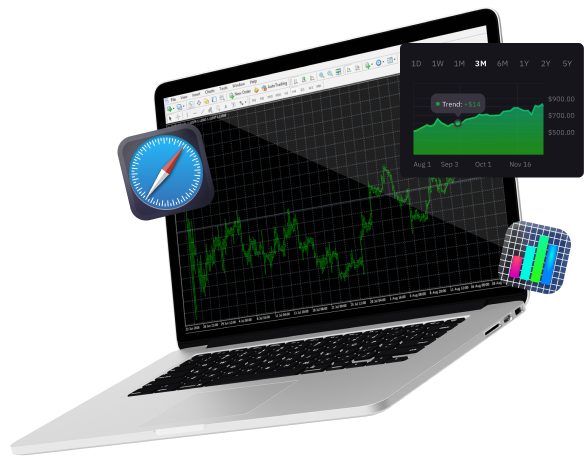
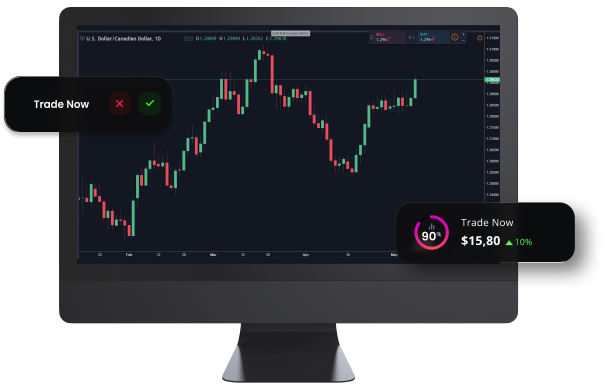
Gain access to global financial markets with MT4
The forex market has become one of the largest and most popular global financial markets in the world with more and more users engaging in online trading. A new generation of traders are benefiting from opportunities provided by the forex market’s volatility, deep liquidity and flexible leverage. With this shift towards online trading, trading platforms have played an important role and enabled non-professional traders to enter forex trading.
For many years, MetaTrader 4 has been the most popular trading platform to trade forex and other financial instruments such as CFDs, futures, indices, and commodities. The platform works with Expert Advisors (EA) that allow traders to automate trading by setting up algorithmic trading programs from within the MT4 platform.
MT4 is supported by
Windows
MacOS
Android
Any Internet Browser
MT4 for Mac - Features
- Manage orders, positions and equity online
- Monitor prices of financial instruments and forex rates
- Advanced charting and indicators
- Online streaming news
- Activity reports
- Permitted automated strategies
- Built-in ability to use EAs (Expert Advisors)
How to log in to MT4 for MacOS
- Download and install the MT4 platform application.
- Select T4Trade as your broker from the list.
- Enter your real or demo account login credentials (username and password provided in your T4Trade welcome email).
- Start trading.
Visit our FAQ page for more information on the MT4 platform for macOS
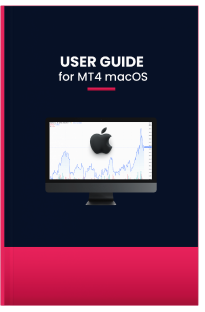
User guide for MT4 MacOS
Read the user guide on how to download, install and use the MT4 platform for macOS.
Start today. Discover CFD trading on 300+ instruments with superb conditions.