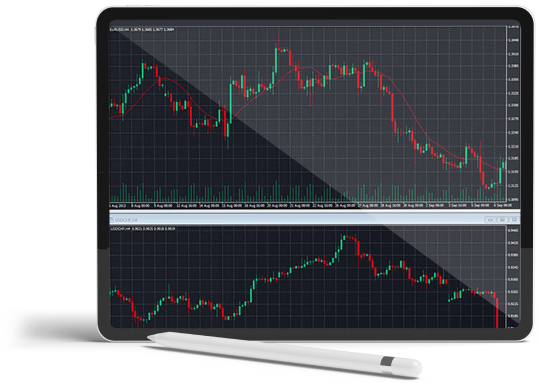
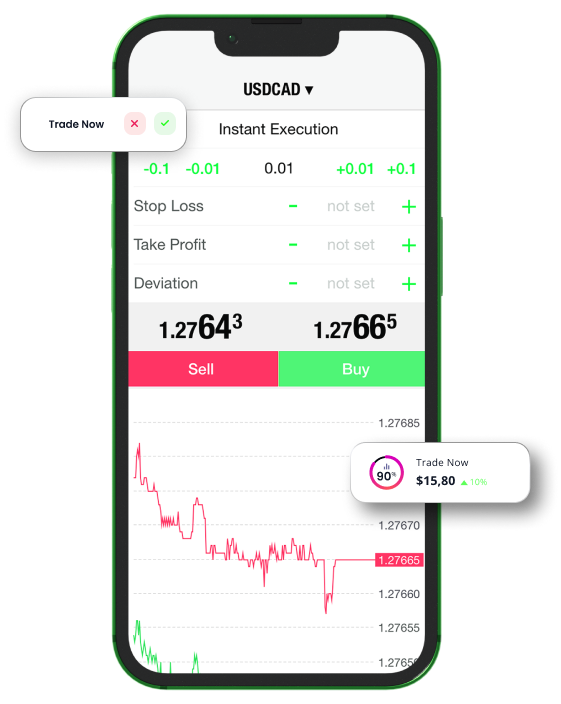
Download the industry-leading trading platform on your iOS device and access your account anywhere at any time. Open and close positions on thousands of markets with ease, set price alerts so that you’ll never miss an opportunity to trade and keep track of your trades wherever you are.
All trading involves risk. It is possible to lose all your capital.
All trading involves risk.
It is possible to lose all your capital.
Why trade with T4Trade’s MT4 for iPhone/iPad?
With T4Trade’s MT4 trading platform for iOS, you can access your account on your iPhone with the same credentials you use to access your account on your personal computer or Mac. Features include 100% iPhone native application, full MT4 account functionality, as well as trading history journal. Enjoy the most popular trading platform on your mobile phone anywhere at any time.
MetaTrader 4 download for iPhone/iPad iOS
Trade Forex on the go via MetaTrader 4, the most functional platform for iOS devices.
Place orders, stay up-to-date with market rates and get access to the Forex charts with real-time news feed and additional features to make your trading more convenient.
This website is not directed at EU residents and falls outside the European and MiFID II regulatory framework.
Please click below if you wish to continue to T4Trade anyway.